

Today, we activated our new Starlink Internet service at home. If the speeds and latency are as promised, we plan to cancel our current traditional satellite internet subscription, which is cheaper but unreliable, slow, and has high latency.
It’s impressive how technology has evolved in such a short period of time.
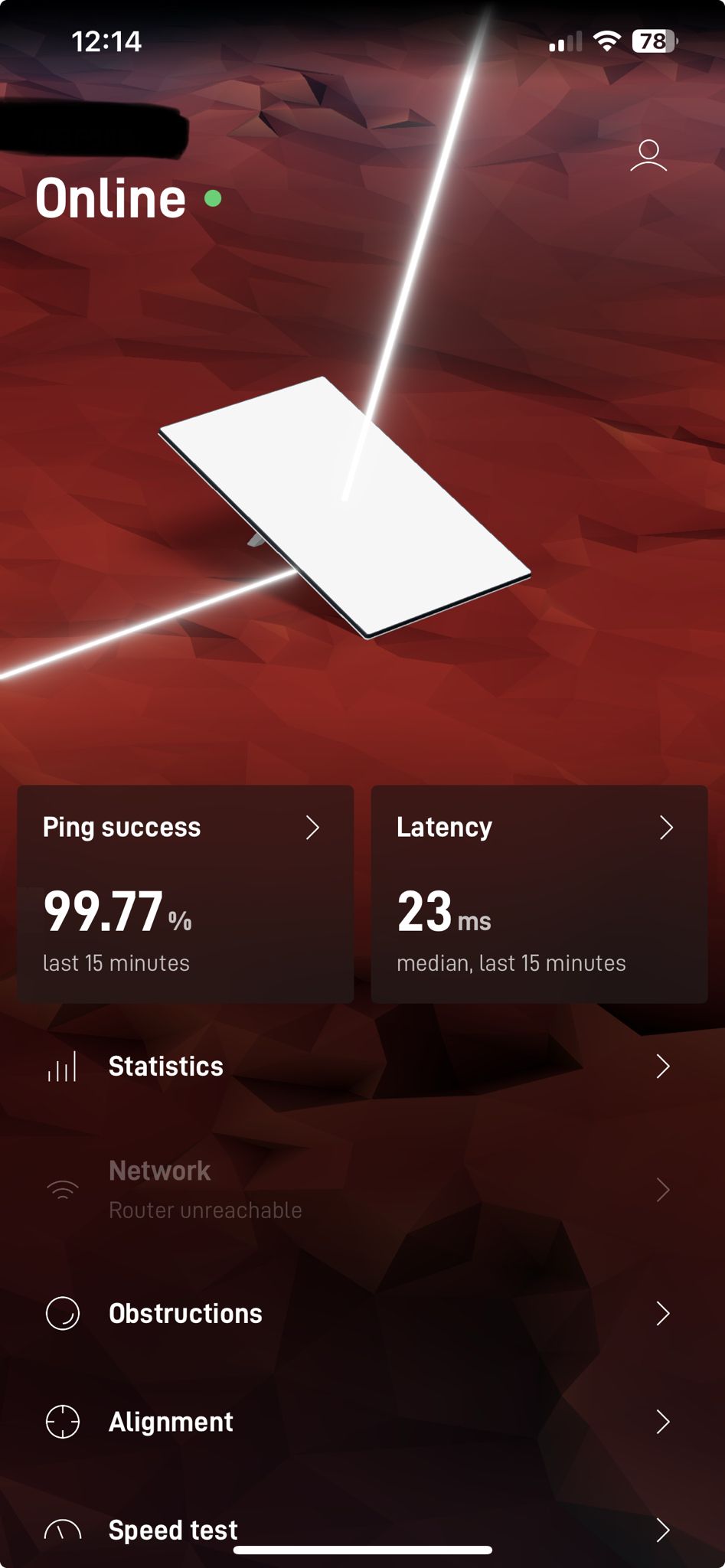
Why We Made the Switch
Our previous satellite internet connection suffered from:
- High latency: Making video calls and real-time applications frustrating
- Unreliable speeds: Inconsistent performance throughout the day
- Weather sensitivity: Service degradation during storms
- Data caps: Limited monthly usage affecting our work
Starlink promises to address all these issues with:
- Low Earth Orbit (LEO) satellites for reduced latency
- Consistent speeds regardless of weather
- No data caps for residential plans
- Easy self-installation
First Impressions
The setup process was remarkably straightforward. The Starlink app guides you through:
- Finding the optimal location for the dish
- Checking for obstructions
- Connecting the hardware
- Running initial speed tests
Update April 29, 2025
The service is excellent.
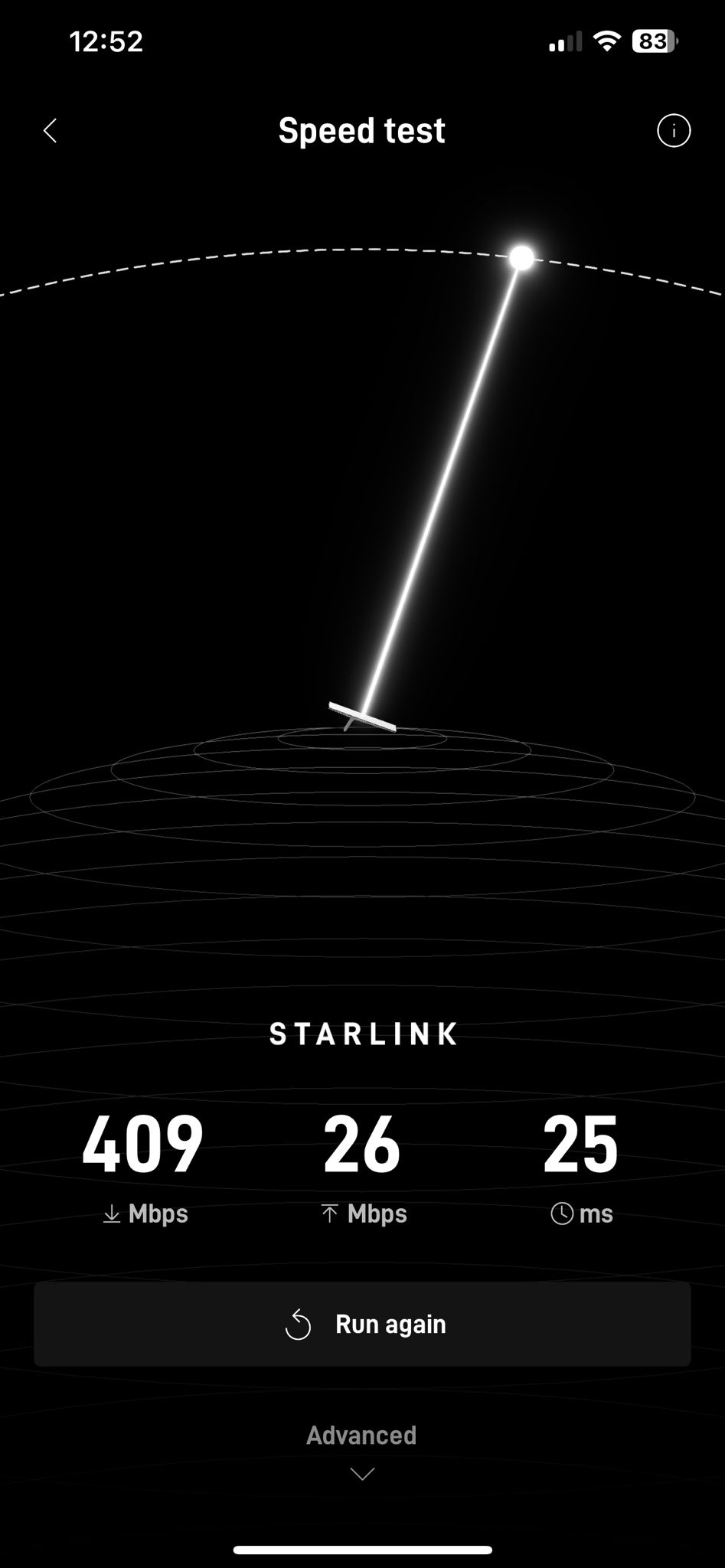
After several months of use, Starlink has exceeded our expectations:
- Consistent speeds: 100+ Mbps download consistently
- Low latency: 20-40ms typical, excellent for video calls and gaming
- Reliability: 99%+ uptime, even during severe weather
- No data caps: True unlimited usage for our remote work needs
We’ve successfully cancelled our old satellite internet service. The monthly cost is higher, but the value and performance justify the investment. For anyone in rural areas struggling with poor internet connectivity, Starlink has been a game-changer for our productivity and quality of life.
Technical Specifications
- Download speeds: 50-250 Mbps
- Upload speeds: 10-20 Mbps
- Latency: 20-40ms
- Coverage: Available in most rural areas globally
- Equipment: Self-installing dish and modem/router combo